
These instructions vary between models. Erkänna din produkt
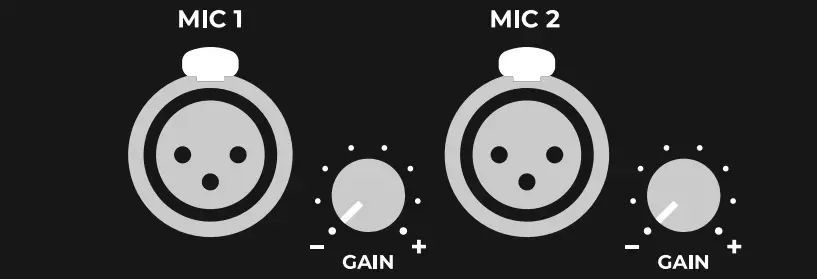
Artome devices are equipped with two XLR microphone ports. These ports are designed to work plug-and-play with dynamic microphones.
Microphone dynamics
The input signal of the microphone inputs goes through microphone dynamics like high-pass filter, compressor and equalizer.
Additional controls
There are additional controls for the microphone inputs depending on the version of your Artome device.
HW232 devices
Microphone input sensitivity can be switched between line and mic mode from Artome Connect app. There’s an additional volume control in the app. Line mode also disables the microphone dynamics. Artome Connect Audio Settings
HW231 devices
Line mode disables the microphone dynamics but the input sensitivity is mic level. There’s an additional volume control in The Artome Connect app. Artome Connect Audio Settings
HW20 devices
Microphone gain control knobs were added in 01/2024.
Phantom power
Artome microphone inputs don’t include phantom power.