
Pair your Artome device with the Artome Connect for remote control, firmware updates, and extended settings.
Artome Connect is compatible with Artome devices with HW231 and later. Tuotteesi tunnistaminen
Ohjeet
- Make sure your Artome device is on standby or powered on.
- Open Artome Connect app.
- Tap on Add Device or the top-left corner Ruokalista
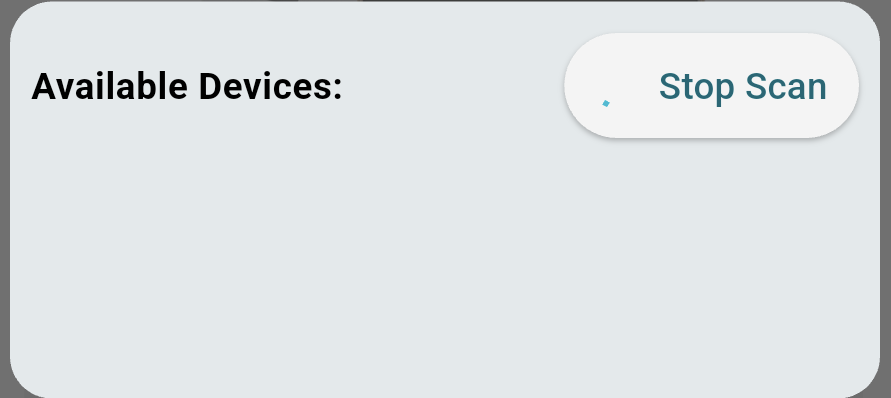
to open the devices view. The app starts scanning for nearby devices automatically.
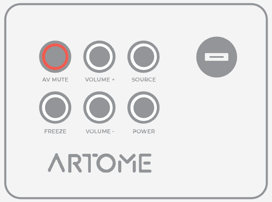
- Activate pairing mode by long-pressing PAUSE / AV MUTE on the button panel until it blinks.
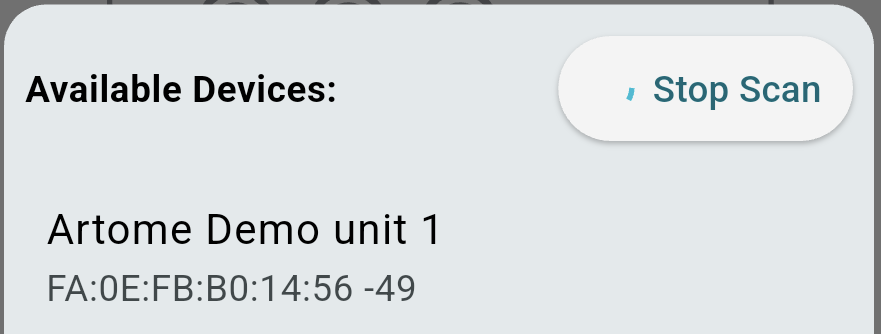
- The device now appears on the device list. Select the found device.
- Accept the Bluetooth pairing requests.
- iOS: a popup request appears.
- Android: a popup or a notification request appears. The request needs to be accepted twice.
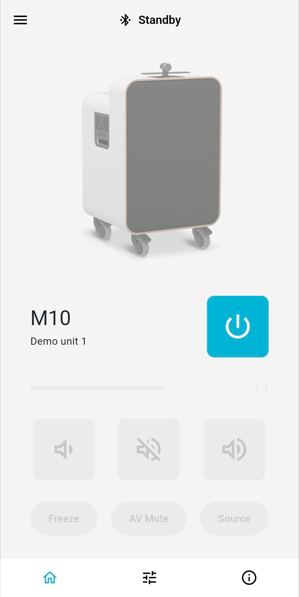
- The device is now paired and ready to use.
Issues with pairing?
- Check that no other mobile device has an active connection with your Artome unit. This stops the pairing process.
- In your mobile device’s Bluetooth settings, remove any device named Artome.
- Android: Settings > Bluetooth > Select a device named Artome > Remove pair
- iOS: Settings > Bluetooth > Device named Artome > Info button > Forget this device
- Re-open the app and start the pairing process again.
- If the above steps don’t help, power cycle your Artome device and start the pairing process again.