
Video: Einstellung und Deaktivierung des automatischen Keystoops
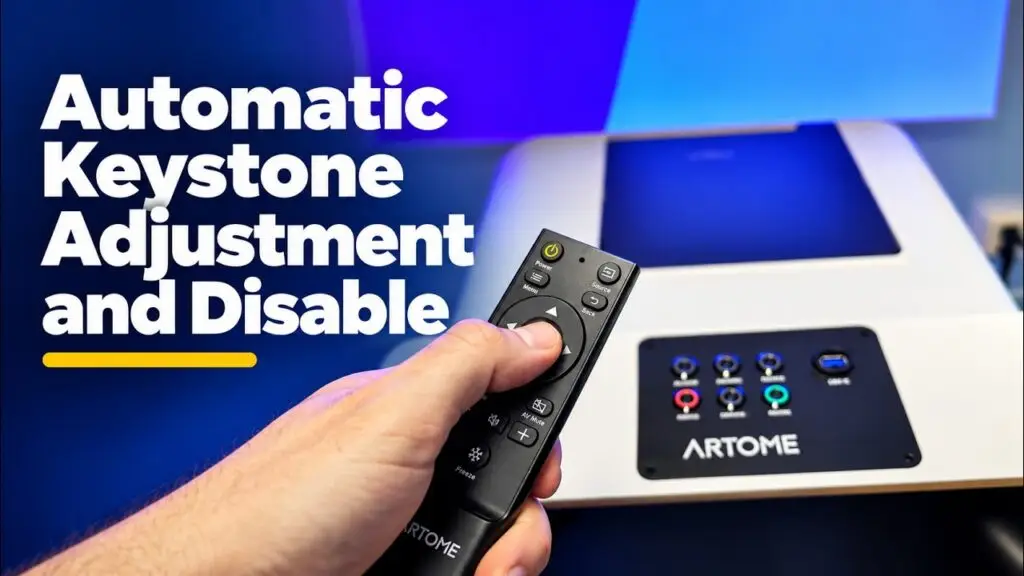
So passen und deaktivieren Sie die automatische Keystonierung auf dem Artome X12. Die schriftlichen Anweisungen dazu finden Sie hier.
Video: Artome Connect-App
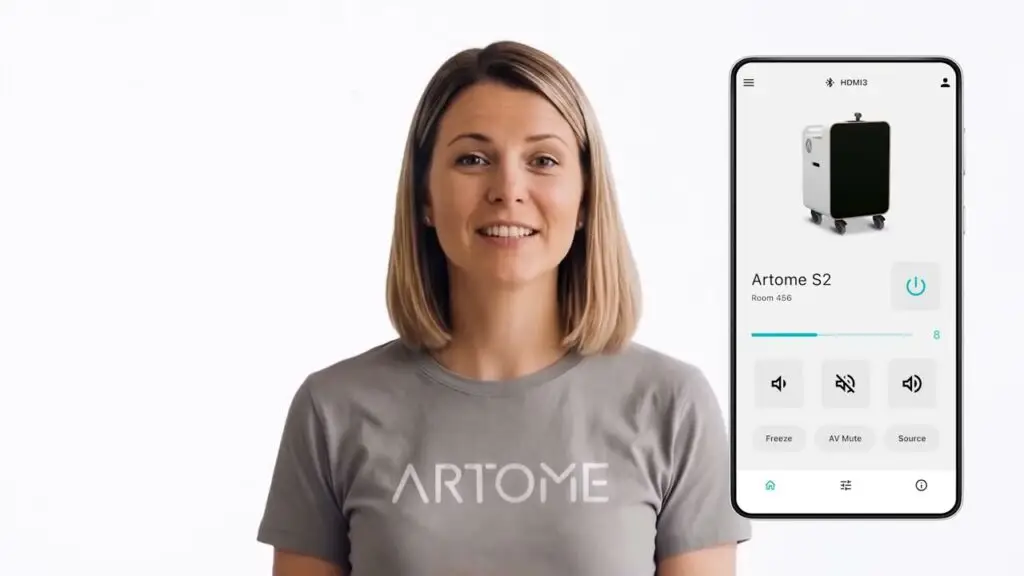
Die Einführung der mobilen App Artome Connect.
Video: Artome X12 – Schneller AV-Setup für Mehrzweckräume
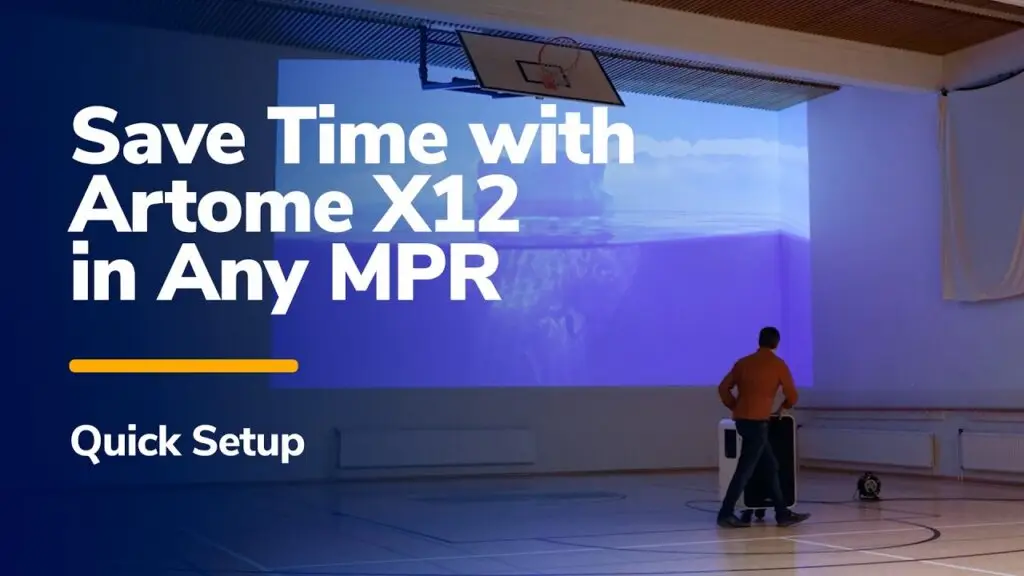
Setzen Sie die Artome X12 in Ihrem Mehrzweckraum in 20 Sekunden ein.
Video: Verwendung von Artome X12 in Mehrzweckräumen

Einleitung zu Artome X12 in Mehrzweckräumen.
Video: Verbindung von Catchbox mit Artome

So verbinden Sie ein Catchbox-System mit Ihrem Artome-Gerät. Weitere Informationen finden Sie in diesem Artikel.
X12 Installationsanleitung
Automatische Keyston-Anpassung
Das automatische Keyston-Modell vereinfacht die Bildkorrektur. Allerdings funktioniert das automatische Keyston-Modell nicht in allen Situationen, z. B. bei Projektionen in einem Winkel oder auf einer unebenen Oberfläche. Sie können das automatische Keyston-Modell deaktivieren und das Bild manuell anpassen. Videoanleitung hier. Anpassen des automatischen Keyston-Offsets Wenn die automatische Einstellung unzureichend ist, können Sie den Offset anpassen. […]
Verbinden des RoomMate-Systems mit Artome
Mit Logi RoomMate können Sie Ihre Artome in ein komplettes Teams- oder Zoom-Meeting-System auf Rädern verwandeln. Sie erhalten eine vollständig integrierte, bewegliche Hybrid-Konferenzraumlösung kombiniert mit professionellem Audio und Projektion. Was Sie benötigen: Einbauanleitung: Installieren Sie den Logi RoomMate. Legen Sie den Logi RoomMate auf den Regalregal des Körpers. […]
Installieren des Catchbox-Mikrofonsystems in Artome
Lassen Sie die Artome-Einheit die Wiedergabe übernehmen und das Catchbox Hub die störenfreie Sprachübertragung, und erhalten Sie ein hochwertiges Soundsystem für persönliche und hybride Meetings. Sehen Sie sich auch das Installationsvideo an. Was erhalten Sie? Was benötigen Sie? Schritt-für-schritt-Anleitung Konfigurieren Sie die Artome-Eingabe auf Linienpegel, um Verzerrungen zu vermeiden. Die Artome-Einheit muss über einen symmetrischen Eingang verfügen, um Verzerrungen zu vermeiden. […]