
Video: Automaattisen kulman säätäminen ja käytön poistaminen
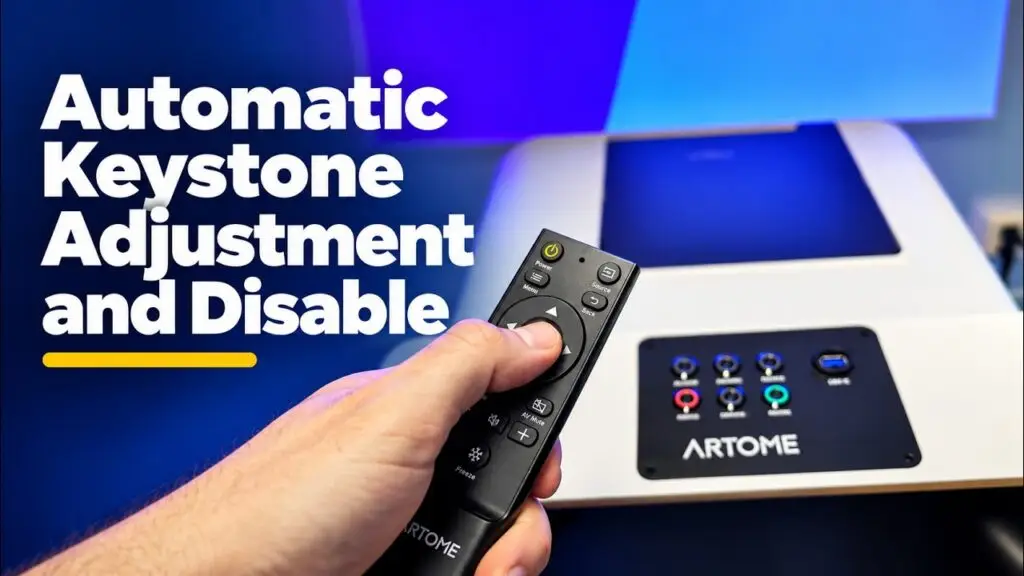
Miten säätää ja poistaa automaattisen keystone-korjauksen käytöstä Artome X12:ssä? Kirjoitettu ohje löytyy täältä.
Video: Artome Connect -sovellus
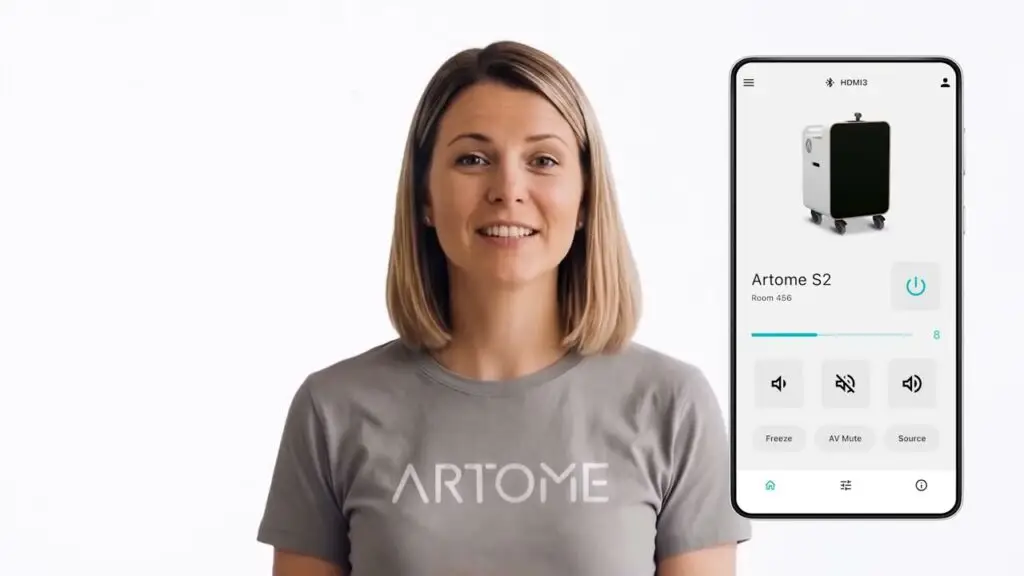
Esittelemme Artome Connect -mobiilisovelluksen.
Video: Artome X12 – nopea AV-järjestelmä monikäyttöisiin tiloihin
Kytke Artome X12:n virta monikäyttöhuoneeseesi 20 sekunnissa.
Video: Artome X12:n käyttö monikäyttöisissä tiloissa
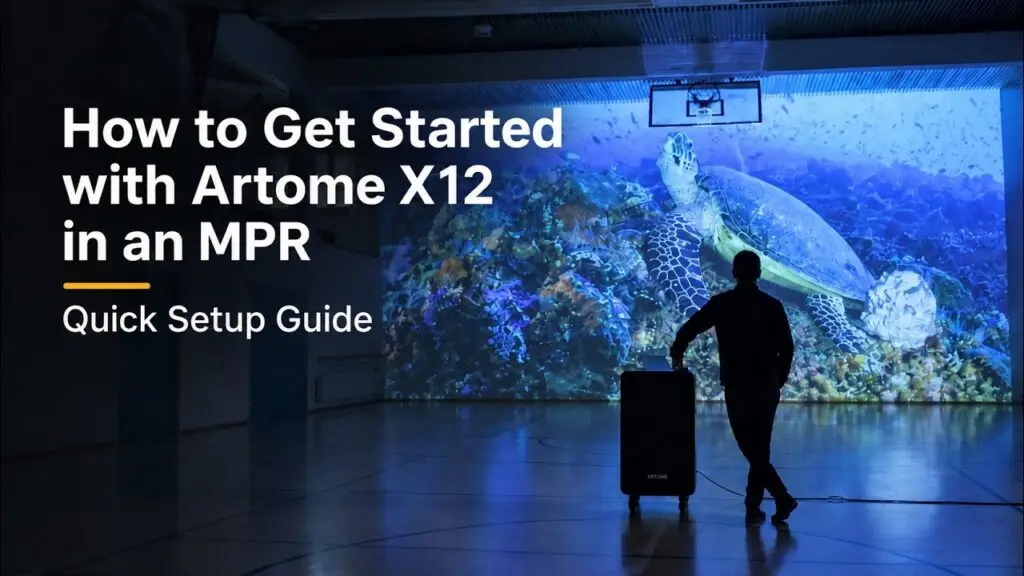
Tutustuminen Artome X12:een monikäyttöhuoneissa.
Video: Catchboxin yhdistäminen Artomeen

Miten Catchbox-järjestelmän voi liittää Artome-laitteeseen? Lisätietoja saat tämän artikkelin kautta.
X12-asennusopas
Automaattisen kulman säätäminen
Automaattinen keystone-korjaus tekee kuvien säätämisestä vaivatonta. Automaattinen keystone-korjaus ei kuitenkaan toimi kaikissa tilanteissa, esimerkiksi kulmassa esitettynä tai epätasaisella pinnalla. Voit poistaa automaattisen keystone-korjauksen käytöstä ja säätää kuvaa manuaalisesti. Videohakemukset täällä. Automaattisen keystone-viivan säätäminen Jos automaattinen säätö ei ole riittävä, voit säätää viivaa. […]
RoomMate-järjestelmän yhdistttäminen Artomeen
Logi RoomMate -sovelluksen avulla voit muuntaa Artomen täydelliseksi ryhmäkeskustelujärjestelmäksi, joka kulkee helposti paikasta toiseen. Saat täysin integroidun liikuteltavan hybridi-konferenssihuonejärjestelmän, joka yhdistyy ammattimaiseen äänentoistoon ja projektioon. Mitä tarvitset? Käyttöohjeet Asennusohjeet Asenna Logi RoomMate -järjestelmä. Kiinnitä Logi RoomMate -järjestelmä kartan telineeseen. […]
Catchbox-mikrofonijärjestelmän asentaminen Artomeen
Anna Artome-yksikön hoitaa toiston ja Catchbox Hubin hoitaa vääristymättömän puheenvuoron, ja saat huippuluokan äänentoiston henkilökohtaisiin ja hybridimiteleihin. Katso myös asennusvideo. Mitä saat? Mitä tarvitset? Vaiheittaiset ohjeet Konfiguroi Artome-tuloliitäntä linjatasoon Vääristymisen välttämiseksi Artome-yksikön tuloliitäntä on oltava linjatasossa. Tämä varmistaa, että kaikki puhelinnumeroista ja puhelimen äänenvoimakkuudesta riippuen syntyvät häiriöt poistetaan […]