
Styr upplevelsen
Finjustera din Artome
En app
Full kontroll
Gå bortom de grundläggande kontrollerna och anpassa din Artome för att passa utrymmet och det sätt du använder den på. Artome Connect ger tillgång till enhets-, ljud-, nätverks- och säkerhetsinställningar. Konfigurera ljudin- och utgångar, justera nivåer och hantera enhetsspecifika inställningar från ett och samma ställe.
Uppdateringar gjort enkelt.
Behåll din enhet
aktuell
Kontrollera den installerade mjukvaruversionen, se när en ny version är tillgänglig och uppdatera din Artome direkt via appen. Artome Connect hjälper till att hålla enhetens programvara uppdaterad utan krångliga uppdateringsrutiner.
Support och rådgivningsinformation
Enhetsinformation
när du behöver det
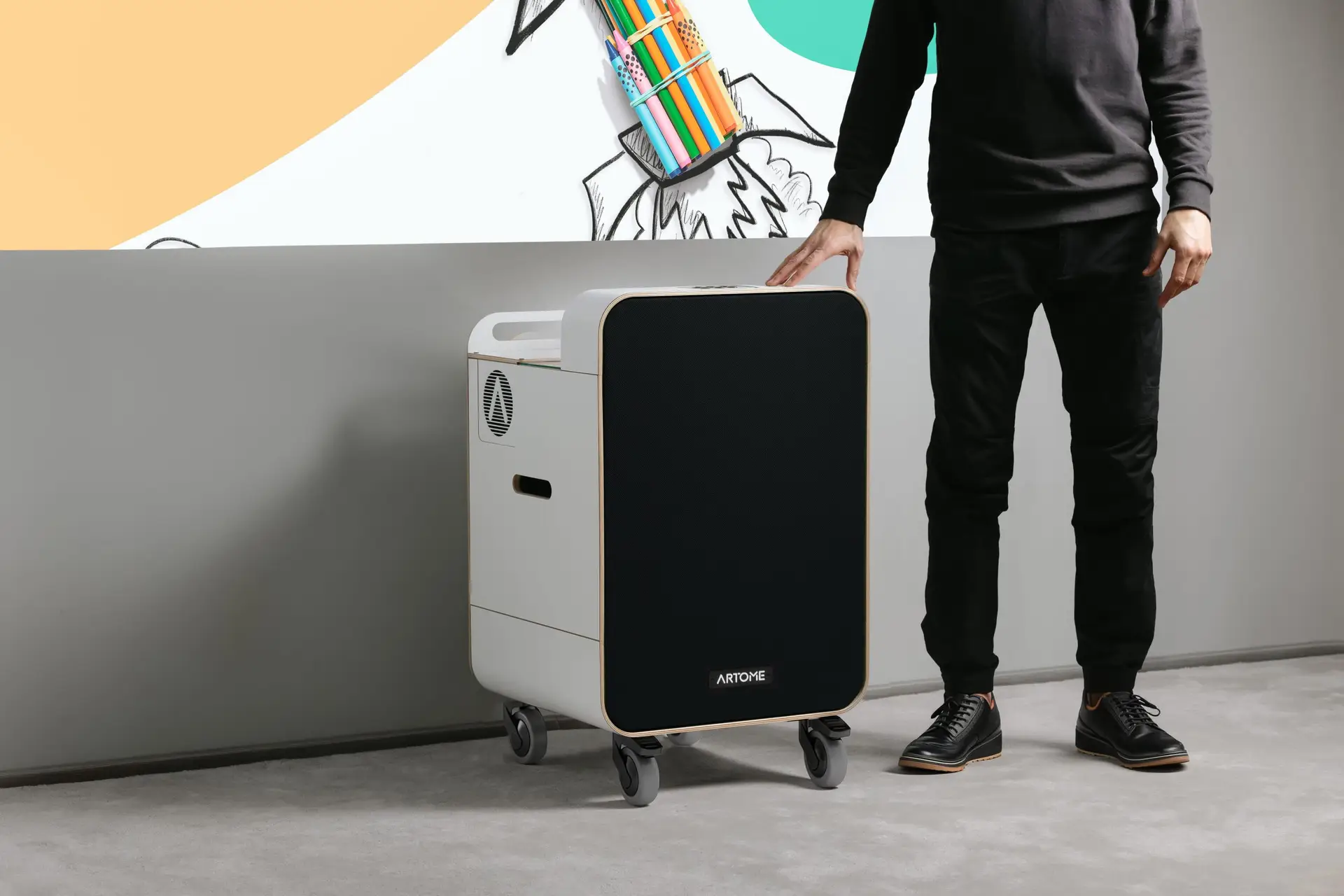
Få tillgång till viktig information om din Artome, inklusive modell, serienummer, firmware- och hårdvaruversioner.
Support- och rådgivningsinformation kan också finnas tillgänglig direkt i appen, vilket gör det enklare att hitta rätt information om assistans behövs.
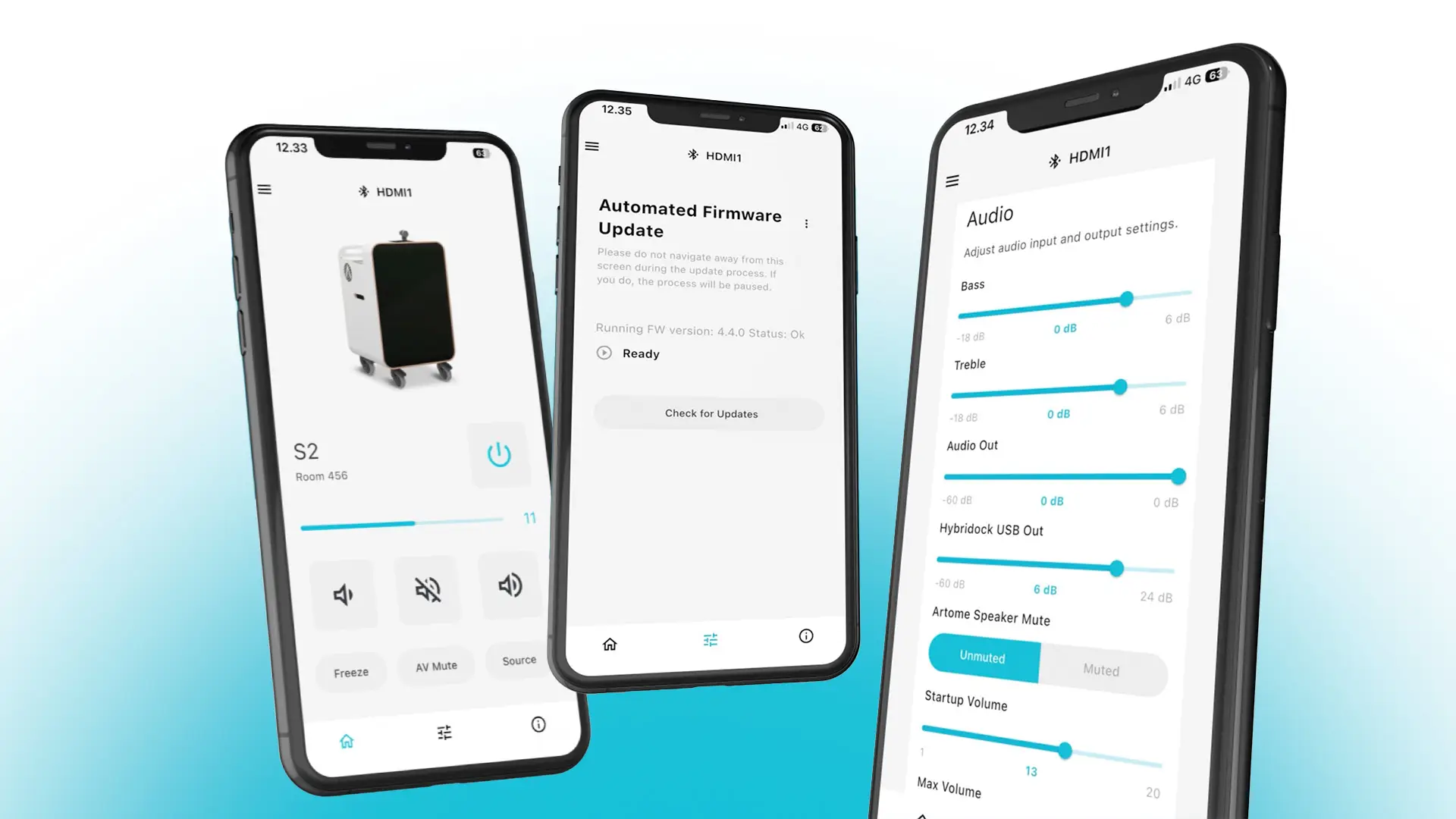
DSP-inställningar via Artome Connect-appen
Bas och diskant
Justera bas- och diskantnivåerna för att finjustera ljudet efter din smak.
Max volym
Ställ in maximal högtalarljudnivå för Artome-enheten.
Ingångsförstärkning
Justera känsligheten för XLR-ingångarna när linjeläge är valt.
Mikrofon-/linjeväljare
Välj mikrofon- eller linjenivå för mikrofoningångarna.
Hybridock USB Ut
Justera USB-utgångsnivån för Hybridock för videokonferenser.
Högtalarmiljard
Stäng av Artomes interna högtalare när du använder ett externt PA-system.
Aux In-volym
Justera volymnivån för den obalanserade AUX-ingången.
Ljudutgångsvolym
Justera utnivån för ljudutgången.
Ladda ner
Skaffa Artome Connect
Ladda ner Artome Connect från App Store eller Google Play och ta kontroll över din Artome från din telefon.