
There are multiple Artome products as well as hardware versions of these products. This article helps you recognize your product and hardware version.
Locate the product label
- Open the front door of your Artome device.
- The label is located on the inside wall of the device.
Understanding the serial format
The serial number on the label indicates the device model, followed by the hardware version.
HW23 products
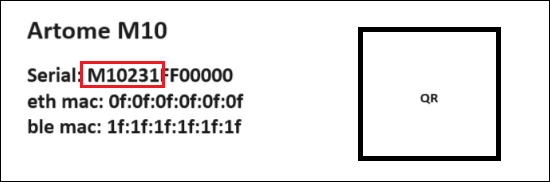
The ‘M10231’ part of the serial number indicates that the device is an Artome M10 model with hardware version HW231.
Available variants
HW231, HW232
HW20 products
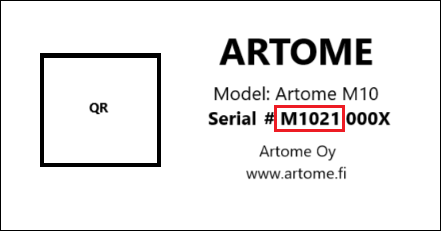
The ‘M1021’ part of the serial number indicates that the device is an Artome M10 model with hardware version HW21.
Available variants
HW21, HW22