
Artome Connect stored multiple device pairs but can have active connection to one device at a time. This article explains how you can change between multiple paired Artome devices.
Instructions
- Tap the Menu icon in the upper-left corner.
- A list of available devices opens up. The currently active device is marked with a green icon.
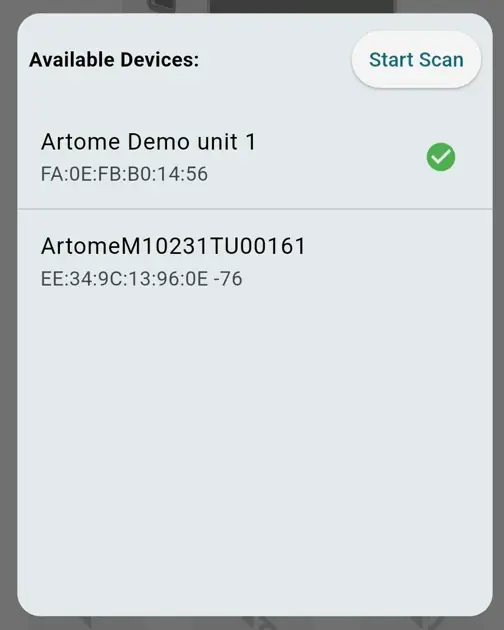
- Tap on the device you want want to connect. If you can’t see the desired device:
- Make sure that the device is powered on.
- Ensure the device doesn’t have an active connection with another Artome Connect app.
- Connect to a new device. Pairing a new device
- If you want to disconnect from the currently active device, simply tap on the active device.